
Information Technology
Information Technology Support and Services (ITSS) provides technology support and services for the Fariborz Maseeh Department of Civil, Architectural and Environmental Engineering.
Contact CAEE IT Team
Need to visit us in person? CAEE IT Staff are located in ECJ 3.200.
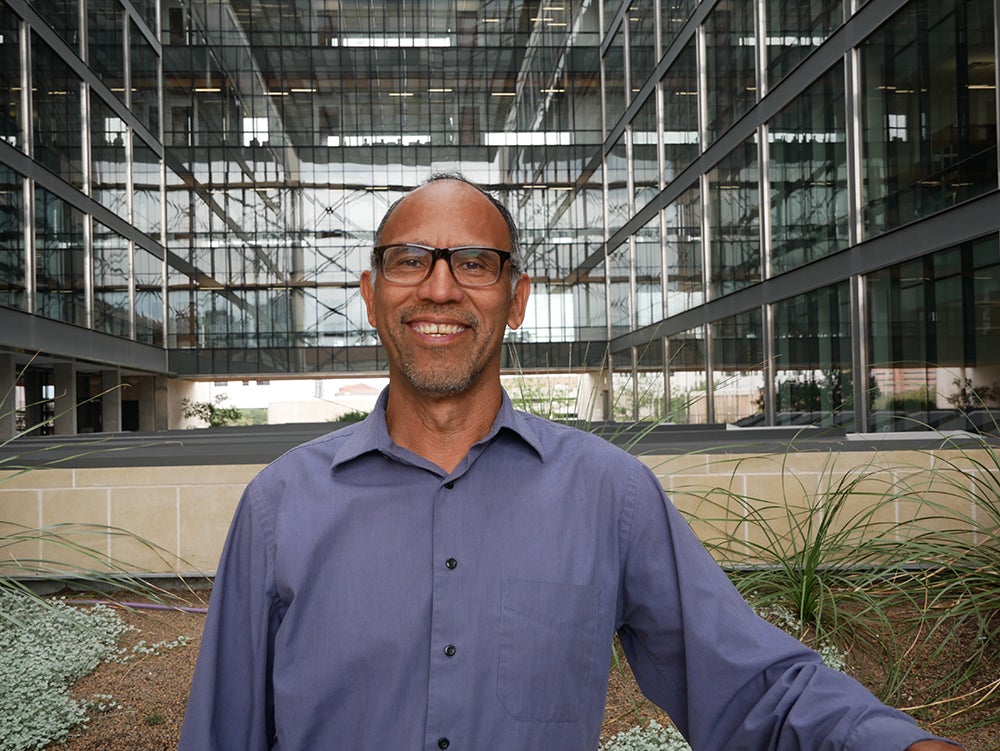
- 512-471-4016
- ECJ 3.236

- 512-471-4508
- ECJ 3.228
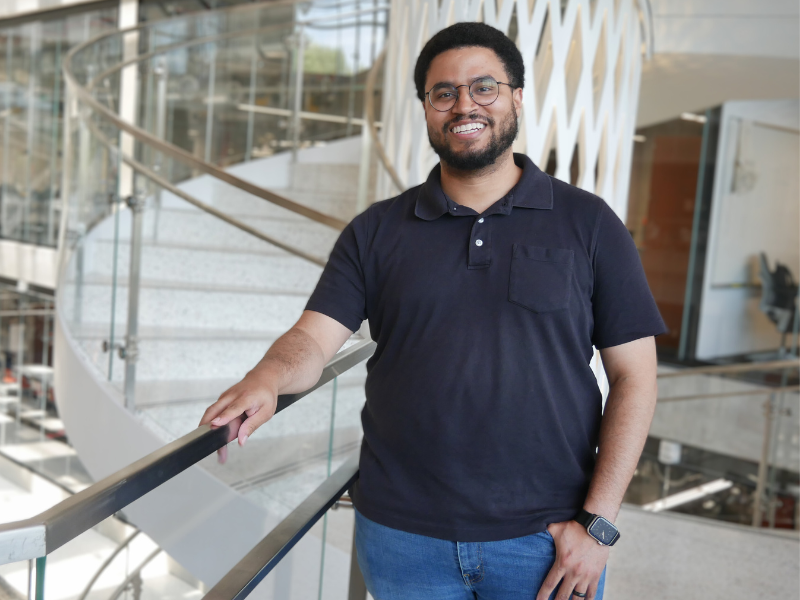
- 512-232-8450
- ECJ 3.224
IT Quick Links
IT FAQs
Effective Fall 2025, a Microsoft 365 account is automatically provisioned for all students, providing access to applications like Word, Excel, PowerPoint, Exchange Online, Teams and OneDrive. This also includes an eid@my.utexas.edu email address, which will be your official email address.
Effective Fall 2025, a Microsoft 365 account is automatically provisioned for all students, providing access to applications like Word, Excel, PowerPoint, Exchange Online, Teams and OneDrive. This also includes an eid@my.utexas.edu email address, which will be your official email address.
UTmail, https://get.utmail.utexas.edu/, provides UT Austin students and alumni with a university-affiliated e-mail address at no cost in the @utexas.edu domain. Those who opt-in to the service can choose their e-mail address and have 5+ GB of e-mail storage. In addition, UTmail provides e-mail for life.
CAEE labs and virtual desktops are open to all Civil, Architectural and Environmental Engineering students, faculty and staff, as well as students currently enrolled in any CAEE course.
Since the computers are in the AUSTIN domain, you’ll use your UT EID to log in. As long as you are registered for the semester, no additional action is required on your part to be able to use the computers in the CAEE labs.
Four GB of disk storage is available to all students on AUSTIN DISK, austin.utexas.edu. A home directory with 4 GB disk quota for file storage will automatically be created for you on \\austin.utexas.edu\disk\engrstu\CAEE\your_eid. Instructions on how to access this location can be found at https://it.utexas.edu/services/ > Storage > Austin Disk > Getting Started
*** Any files located on the Desktop or My Documents will be deleted when you log off ***
Don’t forget to log off when you’re finished working in the lab.
Student directories are accessible remotely through the Campus Virtual Private Network (VPN). In order to connect to the campus network from off-campus, you must first go to https://vpn.utexas.edu and install the Cisco AnyConnect VPN client program. Whenever you want to connect to your file storage from off campus, you need to make a VPN connection with the Cisco AnyConnect VPN client program and then map to \\austin.utexas.edu\disk\engrstu\CAEE\your_uteid. Be sure to disconnect your VPN session when finished.
Box cloud storage is a campus-wide service that allows faculty, staff, and students at The University of Texas at Austin to use Box cloud-based file sharing for business and academic use. Go to https://utexas.box.com to get your UTBox account.
OneDrive is available for students with a Microsoft 365 account, which is automatically provisioned for all students. More information is available at https://office365.utexas.edu/students-and-office-365.
Authorized access cardholders will be allowed inside the hub area after normal operating hours. Only graduate and undergraduate students in CAEE and those who work at least 20 hours/week for the Civil, Architectural and Environmental Engineering Department are eligible. No action is required on your part.
Effective Fall 2025, all current graduate and undergraduate CAEE students are automatically granted access to the Student Collaboration Hu and the Studio Classroom 1 & 2. Simply wave your UT ID card in front of the reader.
UTPrint: An ITS black/white and color printer is available on the 2nd floor of ECJ once you run out of your allocated print quota. “Bevo Pay” (https://housing.utexas.edu/programs-services/bevo-pay) is required to use these printers. Printing costs are a bit higher than the LRC printers.
There are no computers in the SCH.
Under the TAH Matlab Student license, all current students are licensed to install on their personally owned computers the same set of products available to faculty and academic staff. Students can find detailed instructions for getting TAH Student software at https://it.utexas.edu/services/ > Software Services > Matlab.
Free Autodesk products such as AutoCAD and Revit and ESRI ArcGIS are also available for students to install on their personally owned computers.
Visit https://www.autodesk.com/education/edu-software/overview for Autodesk products.
Visit https://wikis.utexas.edu/display/LAITS/ESRI+ArcGIS+-+FAQ for ESRI products.
Microsoft Office 2021can be downloaded for free from the Office 365 Portal – https://office365.austin.utexas.edu. Keep in mind that it will stop working when you are no longer a UT student.
Information Technology Committee
The Information Technology Committee considers information technology needs within the department, makes recommendations for using resources in a fiscally responsible manner, envisions/plans for computer/data resources in the future, and develops recommendations for how to meet current and future IT needs.
- Provide guidance on the future of the Student Collaborative Hub, the Thomas Taylor Design Studio, the computer teaching laboratories and other computing and data resources;
- Recommend policies and course activities related to computer literacy and skills of undergraduate students to meet career needs;
- Review departmental role in Cockrell School and University computer-related initiatives;
- Assist the department chair with setting priorities for managing the departmental budget or information technology.
- Matthew Bartos, Chair
- Christian Claudel
- Ben Hodges
- Peter Johnson
- Kara Kockelman
- Javad Mohammadi
- Lina Sela
- Danny Quiroz, Key Staff
Additional IT Support and Resources
For additional IT support outside of the CAEE IT team, the following resources are available: